Choose a location
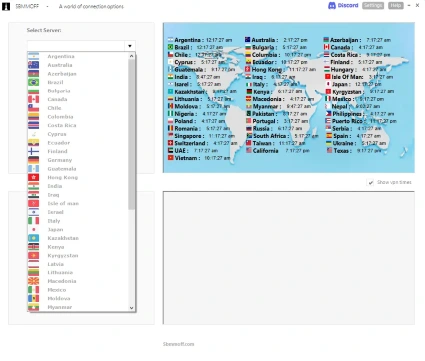
Select an open or strict VPN server from the worldwide location list.

Officially the world's best Call Of Duty VPN
Take control of where you connect with selective matchmaking routing,
GeoFence country controls, open and strict servers, live game-server
information and more than 100 VPN locations.
$39 $29.99 Sale ends soon ┋ No subscription ┋ No bullshit
How SBMMOFF works
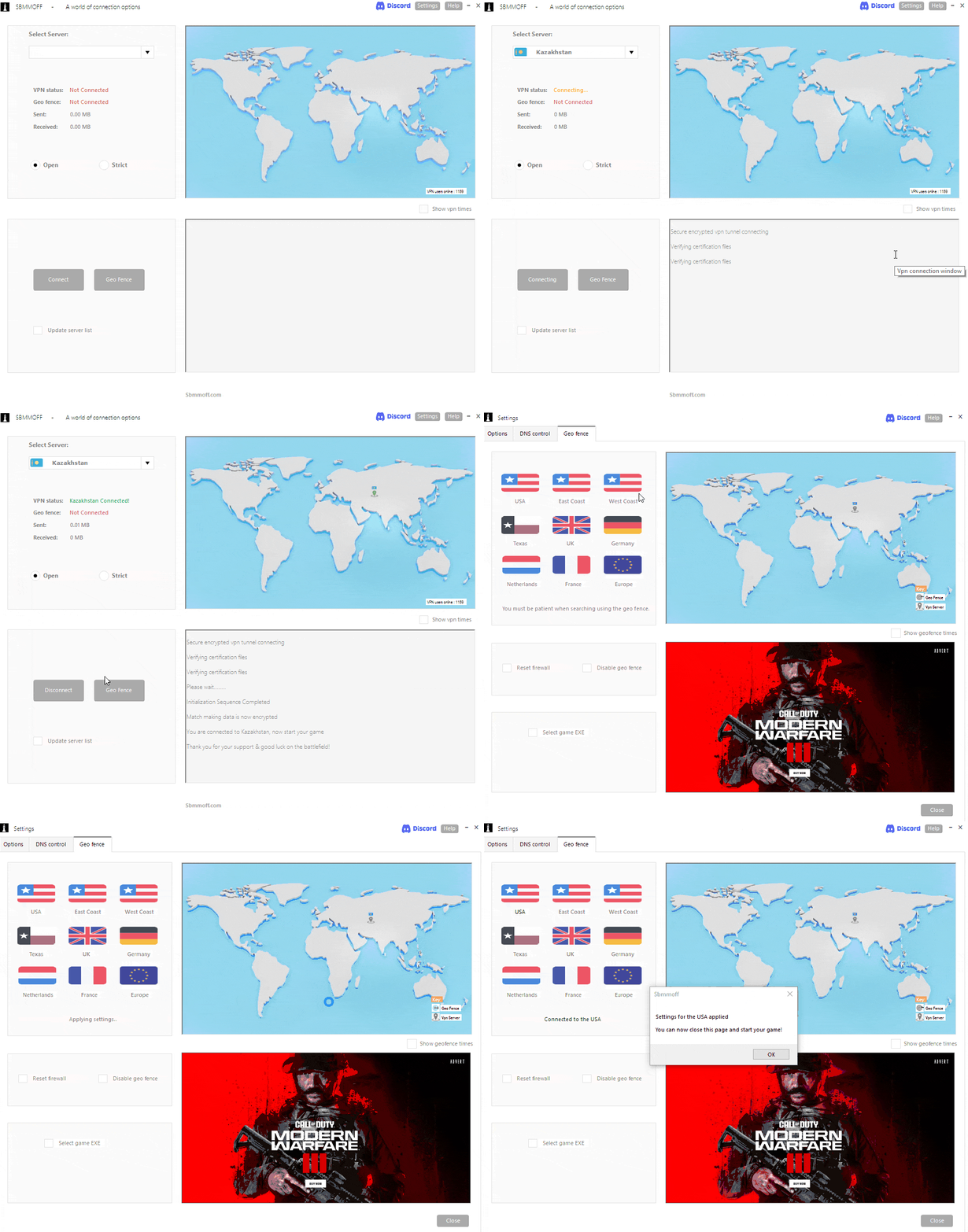
SBMMOFF is designed as a gaming network toolkit. It selectively routes matchmaking data through the chosen VPN location while your gameplay can continue using a local game server, then adds optional GeoFence controls when you want to restrict the server region.
Select an open or strict VPN server from the worldwide location list.
The software manages selected matchmaking traffic rather than behaving like a normal full-device VPN.
Optionally restrict connections to your chosen country or region for more direct control over where you play.
Built for PC players
SBMMOFF supports current and previous Call of Duty PC titles through Steam, Battle.net and PC Game Pass. The app displays the connected game-server location, keeps a server and match history, and lets you block servers you have previously encountered.
The product is designed for Windows PC players only. It does not install on Xbox, PlayStation or Mac, although console players can still join a lobby hosted by a PC player.
Worldwide server choice
The GeoFence includes USA, West Coast, East Coast, Texas, Europe, UK, France, Germany and the Netherlands. The wider VPN selection includes 50 open and 50 strict-server options across the locations below.
Supported games
Included with your purchase
Purchase once to access the GeoFence and the SBMMOFF Call of Duty VPN, including the open and strict location sets. Future supported Call of Duty PC titles and software updates are included with the licence.
After checkout, an email is sent with the software download, login information and an invitation to the private Discord community.
One-time payment. No monthly subscription. Windows PC only.

See it in action
Watch the setup walkthrough, then see why Call of Duty players and streamers use region-control tools.
Learn how to choose a location, connect and configure the GeoFence.
An overview of region selection and connection-focused matchmaking.
SBMMOFF stands out as the best-value VPN available, packed full of features.

Provable results
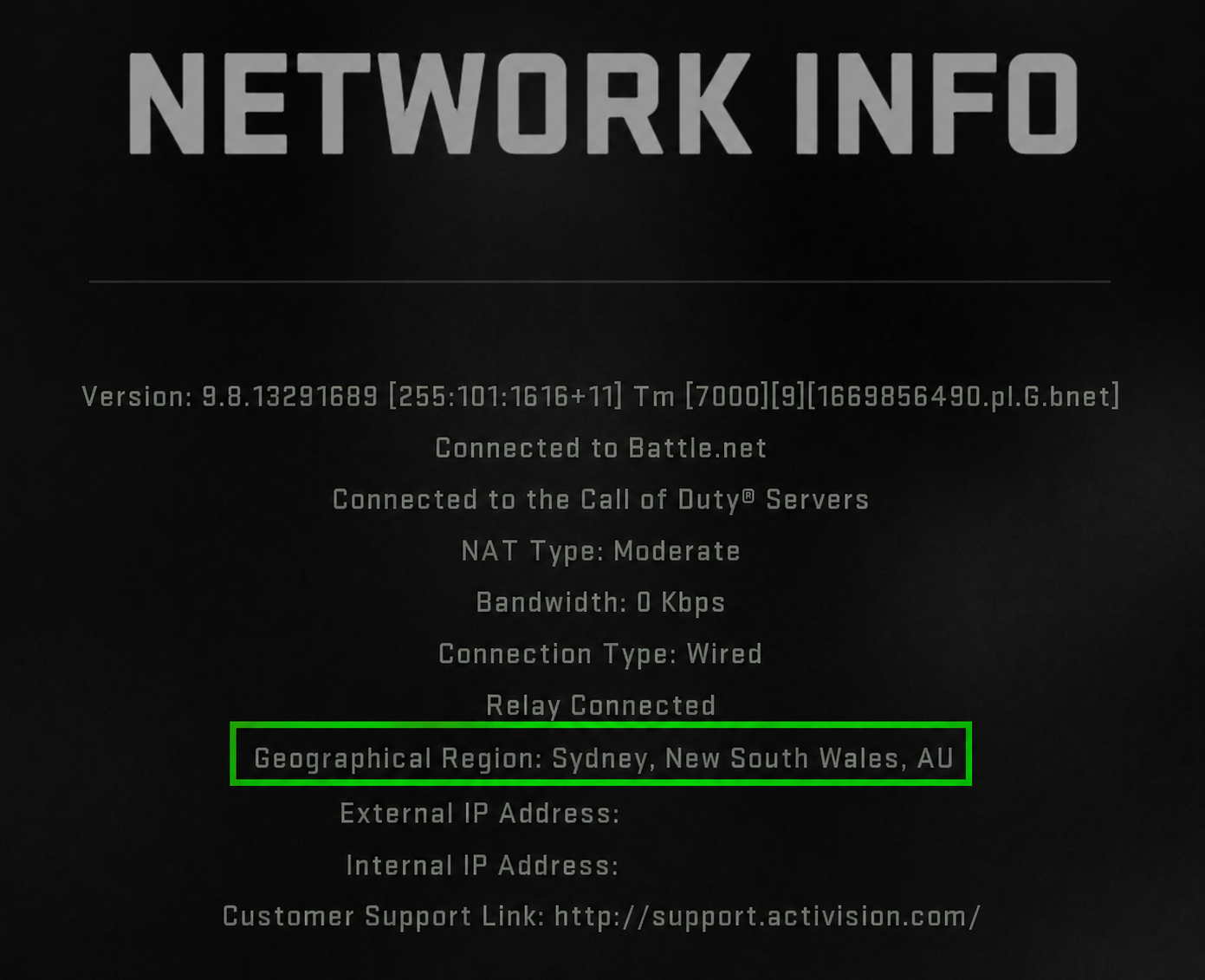
Check your in game network settings tab to see your chosen VPN location displayed. You will notice no matter how far away you connect your ping will remain low!
Private community
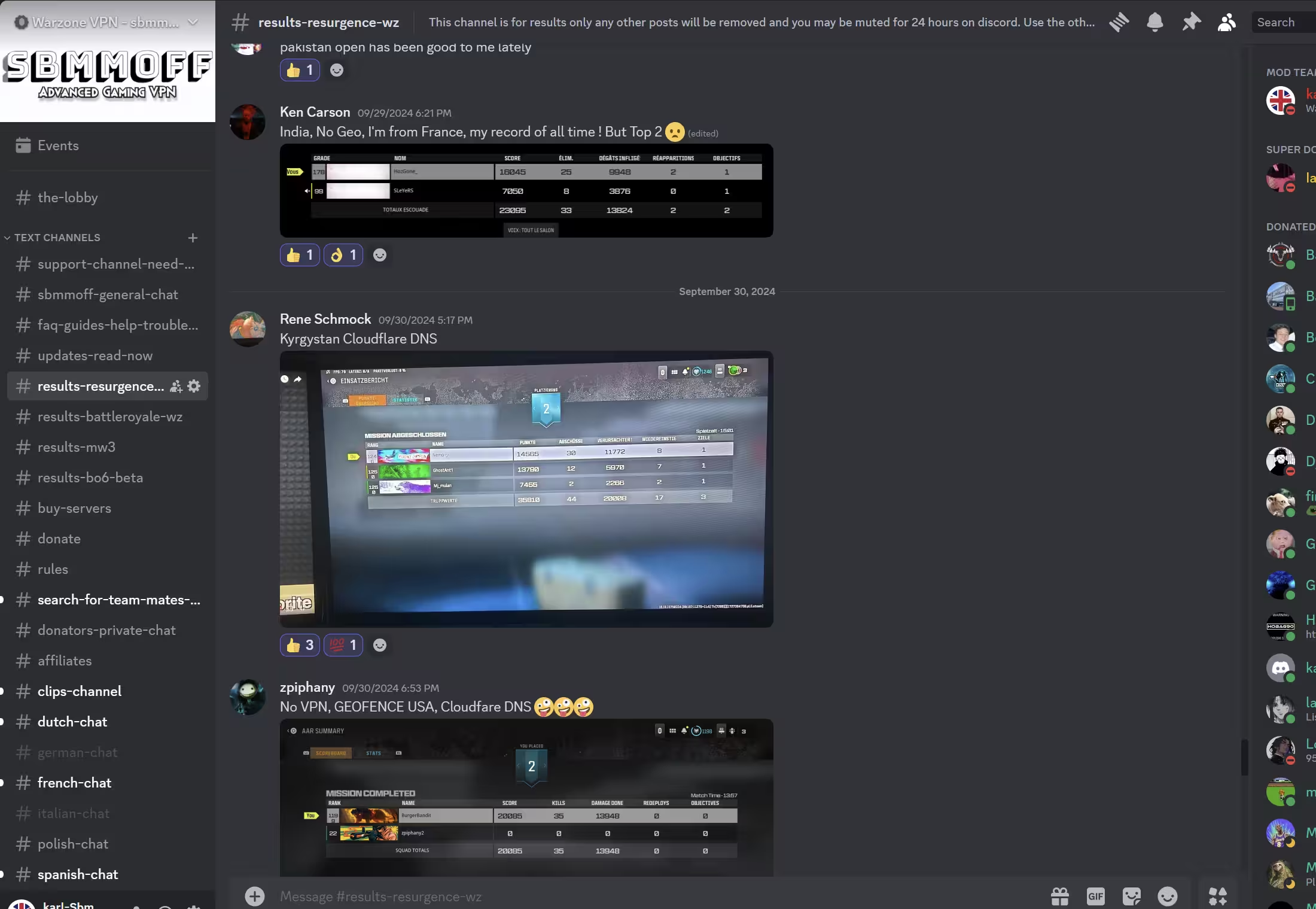
Get the invite after purchase, share results, discuss setup and strategy, and see which VPN locations other members are currently using.
The site currently describes the invite-only community as having more than 60,000 active members.
Latest version updated July 12, 2026.
Dark mode added, together with additional server locations including Nauru,
Zimbabwe, Philippines, Nepal, Israel, Pakistan, Iraq, Oman, Myanmar, Ecuador,
Cambodia and Costa Rica.
Frequently asked questions
No. SBMMOFF is built specifically for gaming and combines selective matchmaking-data routing with GeoFence controls. Your normal gameplay connection can remain local while the software manages the matchmaking route you select.
The software is designed for Windows PC players using Steam, Battle.net or PC Game Pass. It is not installed directly on Xbox, PlayStation or Mac, although console players can join a lobby hosted by a PC player.
No. The product is sold as a one-time payment with lifetime software updates for the purchased licence.
The package includes more than 100 selectable VPN locations, described as 50 open servers and 50 strict servers, together with the GeoFence locations shown on this page.
After payment is completed, you receive an email containing the download link, account login information and an invitation to the private Discord community.
Ready to get started?
One-time payment, no subscription, download information sent by email after checkout.



SBMMOFF is an independent networking utility and is not affiliated with or endorsed by Activision, Call of Duty, Xbox, PlayStation, Steam, Battle.net or Microsoft. Users are responsible for following the current terms and rules of each game and platform.


